

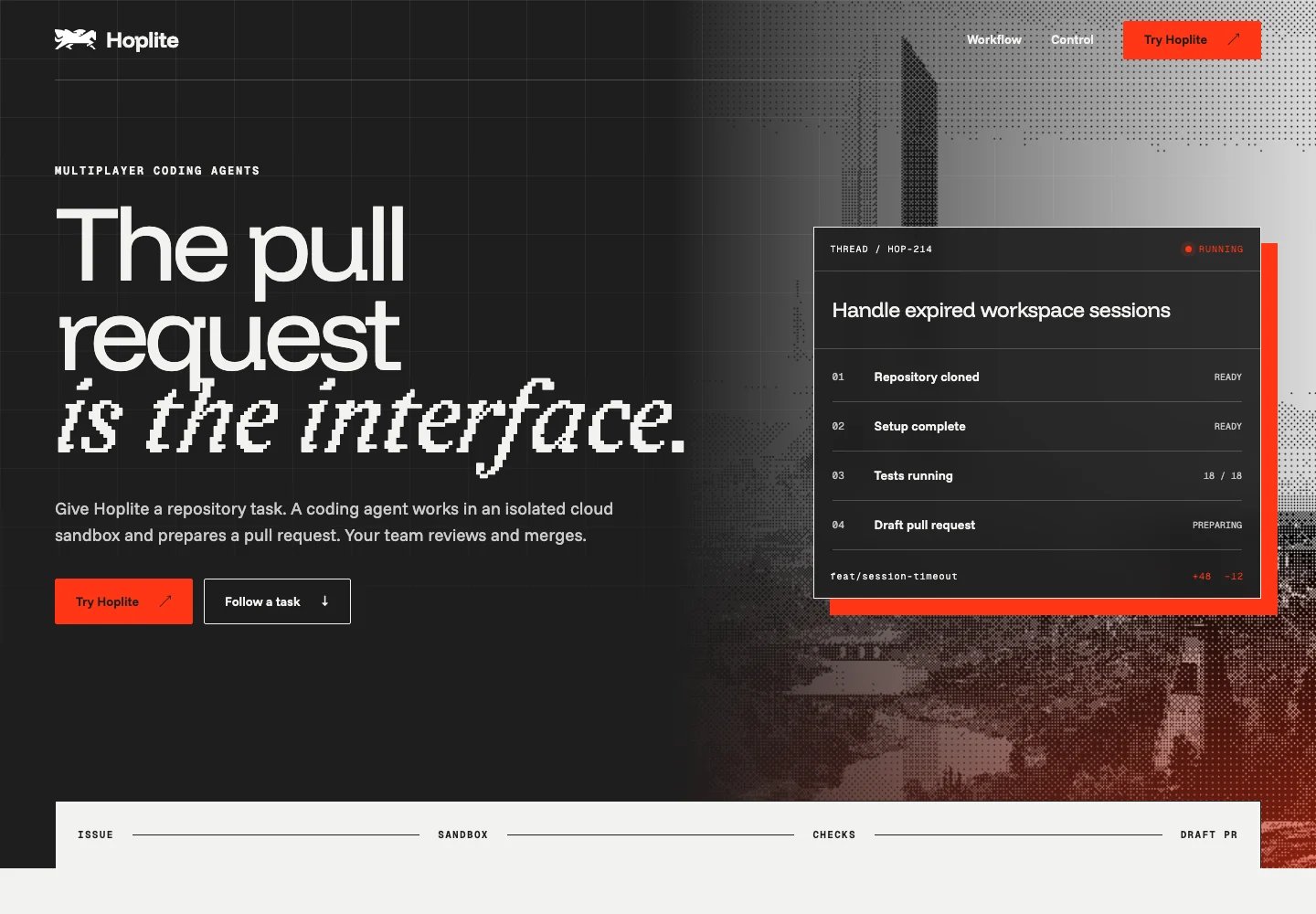
Hoplite · The pull request is the interface concept page
Open the live page
Inspect the complete Hoplite concept page.
What you need
- A development environment connected to Bloom through MCP.
- A ready brand in Bloom, or sources to create one.
- Access to Bloom briefs, currently in private beta for selected accounts. Request access at support@trybloom.ai.
Run it with your agent
Connect Bloom to your agent
Connect Bloom through MCP in your coding environment.
How it worked
1
Request a brief for the page
The request described the Hoplite page and its intended audience. Once
ready, the brief supplied guidance and 19 selected assets for this specific
output.
2
Turn the brief into a page structure
The page follows an issue through a thread, isolated cloud sandbox, draft
branch and tests, and reviewable pull request. Human review is the merge
gate. The copy avoids invented customers, numbers, pricing, and
certifications.
3
Build the page in the project stack
The Next.js/React page uses the brief’s selected logo, fonts, architectural
imagery, and thread-to-PR and control UI references, with its palette and
gradient rules applied throughout.
4
Preview and review
Desktop and mobile previews were reviewed against the brief. The linked
example lets you inspect the page beyond the screenshot.
What each system did
- Bloom selected task-specific brand guidance and assets in a brief.
- The connected development environment applied the brief to produce the copy and page code, then previewed and reviewed the result.
- Next.js rendered the example page.
Before you publish
- Check product claims and CTA destinations against the brand’s current approved sources.
- Confirm asset and font rights for web use, and review the page’s keyboard access, contrast, and mobile layout.