

Add a brand from anything
Share your brand guidelines, assets, links, and written direction with Rainbrand.- WebsitesPages & links
- PDF.pdf
- Social mediaPosts & profiles
- Logos.svg · .png
- Images.png · .jpg · .webp
- Documents.docx · .txt
- Presentations.pptx
- Typography.otf · .ttf · .woff2
- ColorsPalettes & rules
- Videos.mp4 · .mov · .webm
- Markdown.md
- DirectionVoice & positioning
Start onboarding
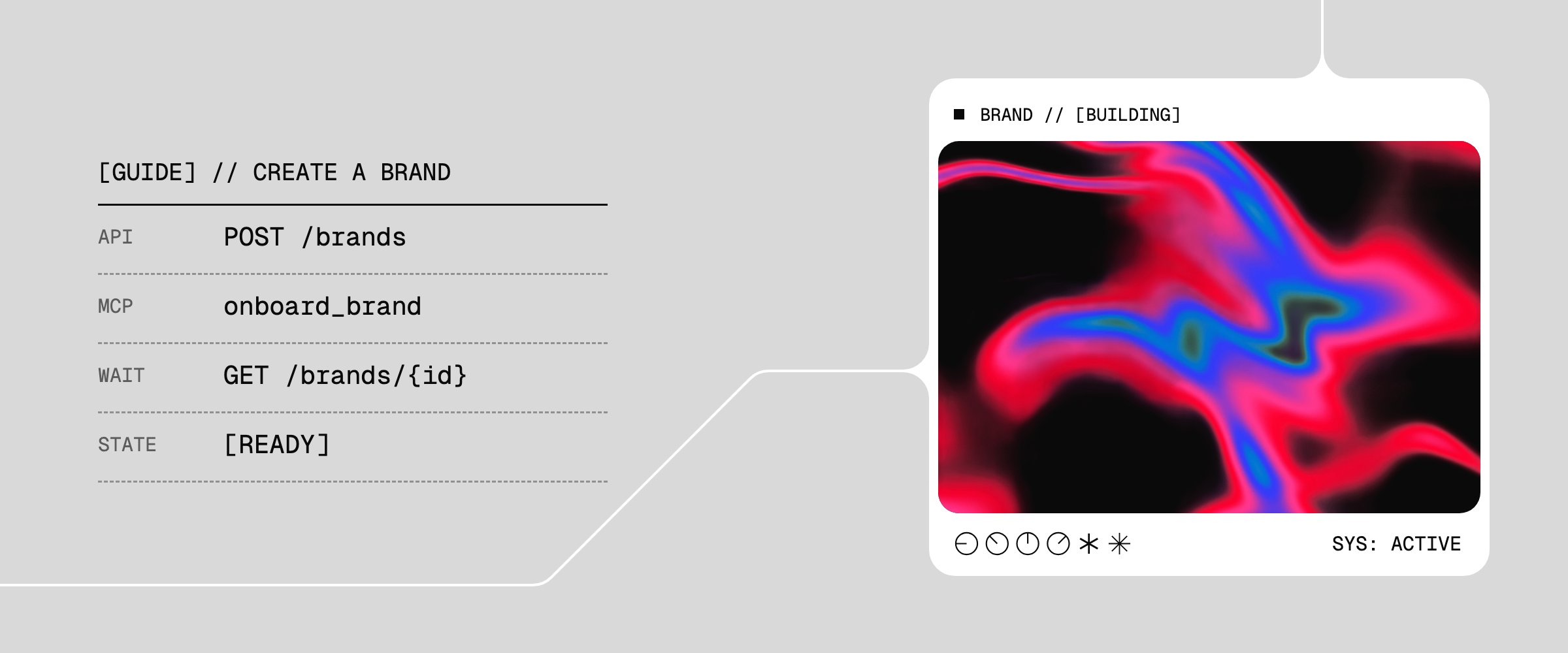
Connect your agents, then give them your files and links. Include any guidance you want them to follow.- MCP
- API
Ask your agents:Replace Acme Inc. and the example sources with your own brand and files.
Next steps
Once the brand is ready, your agents can use its guidance and assets:Request a Brief
Get the guidance and assets for a specific task.
Use your own generation tools
Pass the Brief’s guidance and assets to your agent, model, or renderer.

Use the AI Gateway
Pass the Brief to a SOTA image or video model.
Request a Review
Check an image against the brand and use the findings to revise it.
Update the brand
Keep guidance and assets current as the brand evolves.