

The finished deck
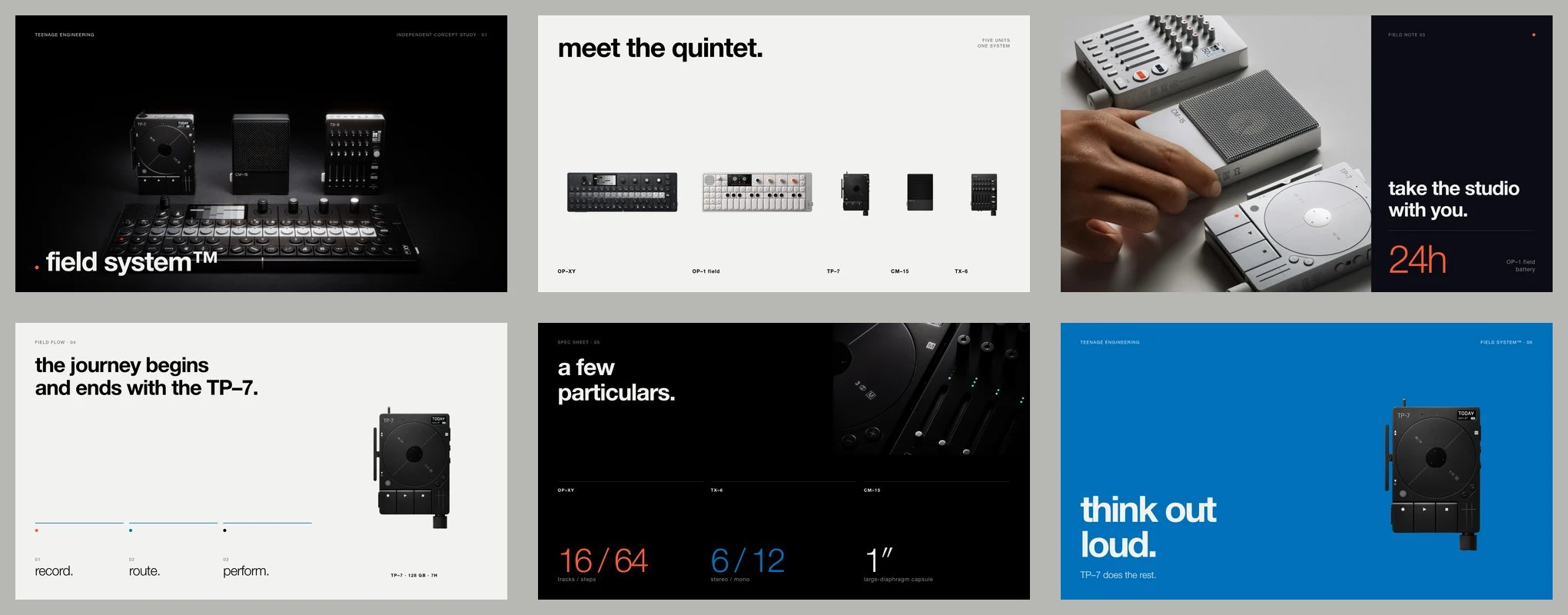
field system™ · six-slide concept deck
Download the deck
The complete six-page PDF.
Run it with your agent
Connect Bloom and Paper to the same MCP-compatible agent. Keep Paper Desktop open with the target file loaded, and follow Paper’s current setup guide below.Connect Bloom
Give your agent access to the brand and its active Brand Skill.
Connect Paper
Follow Paper’s current MCP setup instructions.
How it worked
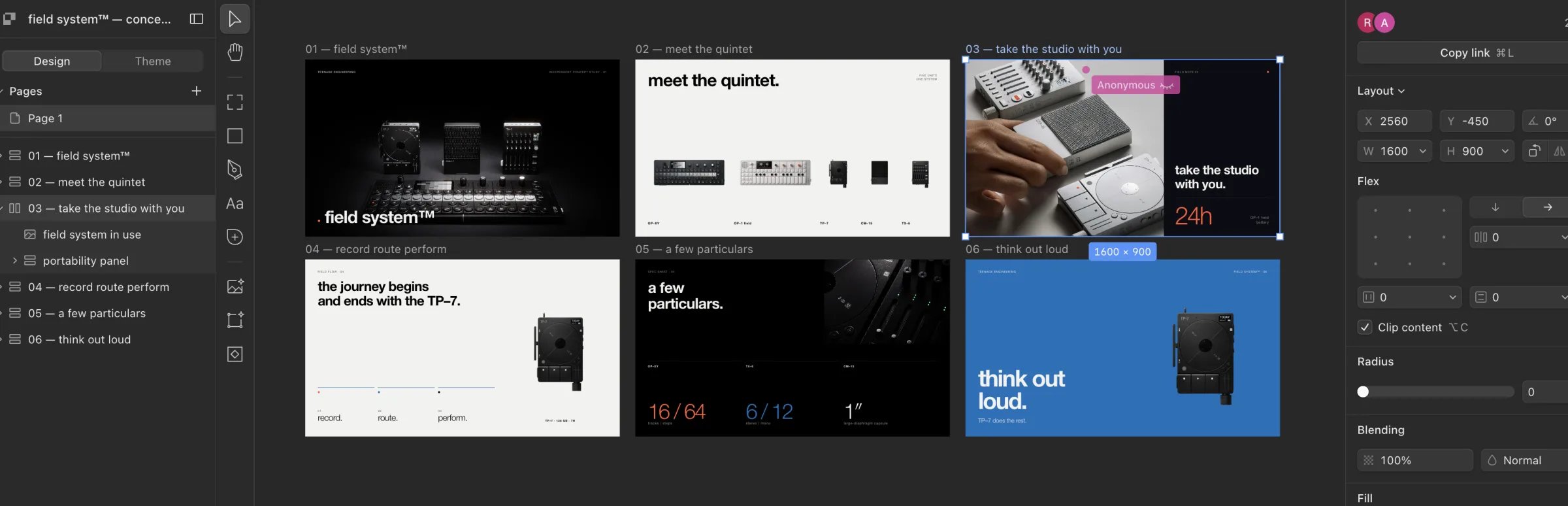
Six editable artboards in Paper.
1
Create and inspect the brand
The agent used Bloom MCP to create a brand from the official field system page, waited until it was ready, and inspected the complete active Brand Skill for identity, palette, voice, and product guidance.
2
Choose the assets and set the brief
The Brand Library contained only the verified logo. The agent used photography from Teenage Engineering’s official press and product sources, visually inspected every asset, and set the six-slide story.
3
Build the presentation in Paper
The agent created six 1600 × 900 artboards in one Paper file, using the Brand Skill to guide the layout and copy.
4
Review and export
The agent reviewed each slide through Paper screenshots for spacing, typography, contrast, alignment, and clipping. It then exported six individual PNGs and one six-page PDF.